Arrow Escape Game

















Traffic Escape
Arrows Go
Salamander Escape

8 Ball Billiards Classic

Battle Disc

Arcane Archer
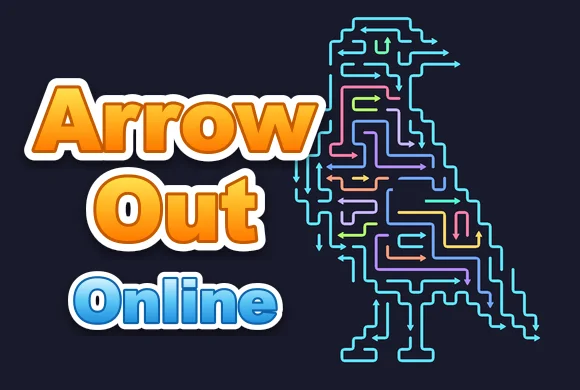
Arrow Out Online
Extracting files...

Arrow Out Online
Continue Playing
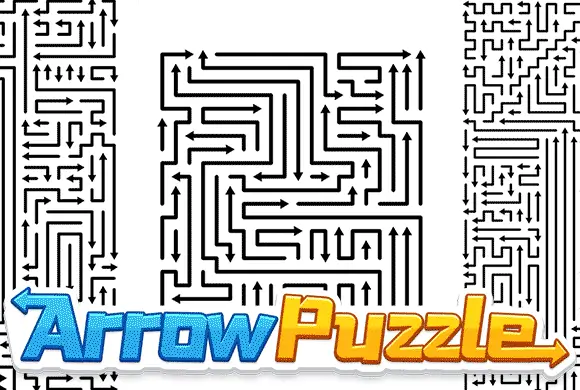
Arrow Out Online is a tap-to-clear arrow puzzle. Every arrow points up, down, left or right, and tapping it sends it sliding off the board in that direction. The catch: an arrow can only leave if nothing blocks its path, so you have to read the whole board and pull arrows out in the right order. Zoom in for a closer look and grab a hint when you get stuck.
Arrow Out Online: A Tap-to-Clear Arrow Puzzle That Lives or Dies on Reading Order
I've spilled a lot of hours into sliding-block and unblock puzzles, and Arrow Out Online slots right into that lineage with one tidy twist: every piece is an arrow, and the direction it points is the only exit it gets. My first level took maybe twenty seconds, but the "aha" of realizing tap order is everything hit on the very next board. If you like quiet, logical brain-teasers over twitchy action, the Arrow Out Online game is built for you.
Why Arrow Out Online Clicks Where Other Arrow Puzzles Don't
The whole game runs on a single, honest rule — an arrow leaves only along the way it faces, and only if nothing stands in its lane. That constraint turns a calm-looking board into a sequencing problem, because the wrong first tap can wall off three other arrows. The puzzle keeps its ruleset tight instead of piling on gimmicks.
- Direction-locked exits: each arrow can only escape the way it points
- Blocking matters: an arrow stuck behind another simply won't move
- Built-in assists — zoom, hint, and a full grid reveal — so you're never truly stuck
How to Play Arrow Out Online
You play Arrow Out Online entirely by tapping. Tap an arrow and it fires off the board in the direction it points — up, down, left, or right — vanishing if its path is clear. If another arrow sits in that lane, your tap does nothing, which is the game telling you to clear the blocker first. The goal each level is an empty board, so you're constantly scanning for which arrow can leave now versus which one is trapped until you free its path. Pinch or hit the zoom button to inspect tight clusters before committing to a move — a small habit that makes the Arrow Out Online game far less error-prone.
Tips After a Few Rounds of Arrow Out Online
A few boards in, some patterns started paying off for me, and they hold up across the whole game:
- Look for arrows already on the edge facing outward — those are usually free exits, take them last only if they're not blocking anyone.
- Trace each arrow's full lane before tapping; a blocker two slots away still counts.
- When a board looks gridlocked, tap the hint to surface an arrow that can safely be removed.
- Save the grid power-up for genuinely crowded levels — it reveals every arrow's direction at once, which untangles the messy clusters fast.
Who Will Enjoy Arrow Out Online
This is comfort-food puzzling for the kind of player who likes thinking a couple of moves ahead without a clock screaming at them. Arrow Out Online is ideal for short commute sessions or a wind-down before bed, since a level rarely runs long, and the clean tap controls make it just as friendly for a parent and kid puzzling together as for a solo solver chasing a clean board.
Final Take on Arrow Out Online
If you want a logical, no-pressure puzzle where every move has a clear consequence, Arrow Out Online earns its spot. Fire up the Arrow Out Online game online free for a quick board — odds are you'll keep tapping until the screen is empty.





Arrow Out Online
Arrow Out Online How to Play Guide
Tap any arrow to fire it off the board along the direction it points. If another arrow blocks the way it stays put, so clear blockers first and work toward an empty board. Use zoom to inspect crowded clusters, and tap the hint or grid power-ups when a level gets tight.